Creating professional visuals is one of the biggest hidden bottlenecks for bloggers and affiliate marketers. Design tools feel overwhelming, stock images look generic, and outsourcing quickly becomes expensive.
That’s why Image Studio, built directly into Wealthy Affiliate, has become one of my favourite tools for fast, original image creation.
In this updated, conversion-optimized review, I’ll show you how Image Studio works, how it fits into a full Wealthy Affiliate business setup, and why it can dramatically speed up your content and income-building workflow.
What Is Image Studio at Wealthy Affiliate?
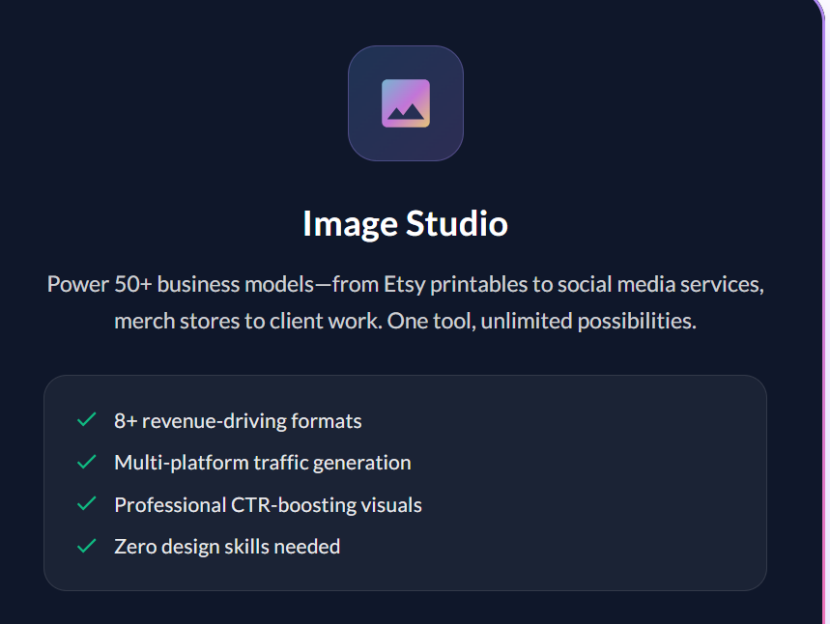
Image Studio is an AI-powered image generator and editor that lives inside the Wealthy Affiliate platform. It allows you to create, edit, resize, and export images from a single dashboard — without relying on Canva, Photo-shop, or stock photo libraries.
If you’re new to the platform, I recommend starting with my full breakdown here: Wealthy Affiliate Review: Is It Worth It for Beginners?
When you join Wealthy Affiliate on the free Starter plan, you instantly receive 2,000 AI credits, which is more than enough to test Image Studio for blogs, social media, and lead magnets.

How Image Studio Fits Into the Wealthy Affiliate Ecosystem
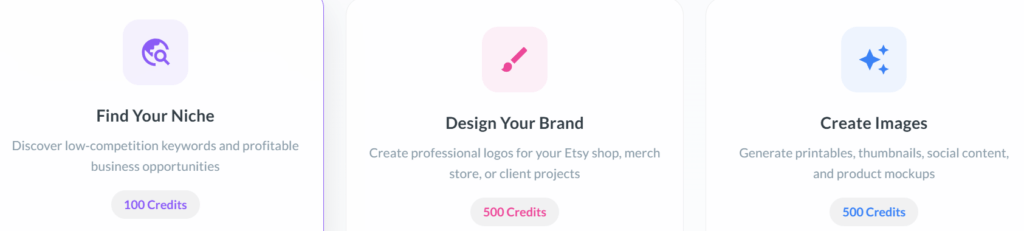
One reason Image Studio converts so well is that it’s not a standalone tool — it’s part of a complete online business system.
Inside Wealthy Affiliate, Image Studio integrates naturally with:
Website building
Blogging and SEO training
Affiliate marketing tutorials
Content publishing workflows
If your goal is to build a profitable niche website, Image Studio removes one of the biggest friction points: visual creation.
How to Build a Website with Wealthy Affiliate (Step-by-Step Guide)
How Image Studio Works (Beginner-Friendly Walkthrough)
1. Enter a Simple Prompt
Describe what you want:
“Minimalist blog featured image with calm blue tones”
Within seconds, Image Studio generates a unique image.
2. Edit Without Leaving the Platform
You can:
Remove or add objects
Clean or replace backgrounds
Expand scenes for banners or headers
Add branded overlays
No exporting. No re-uploading.
3. Resize for Any Use Case
Create images for:
Blog posts
Pinterest pins
YouTube thumbnails
Facebook or Google ads
This is especially useful if you’re following a content + traffic strategy like the one taught inside Wealthy Affiliate.
Key Features That Drive Real Results
AI Prompt-to-Image Generation
Go from idea to image in seconds — perfect for bloggers publishing consistently.
Built-In Image Editor
Quick edits mean you spend time creating content, not learning design software.
Instant Regeneration for Testing
Ideal for A/B testing blog headers, ad creatives, or landing page visuals.
Full Image Ownership
You can safely use images for:
Affiliate sites
Client work
Digital products
No licensing stress — a major advantage over stock photos.
Who Image Studio Is Perfect For
Image Studio works best if you are:
A blogger building SEO content
An affiliate marketer creating review posts
A freelancer or coach promoting services
A small business owner managing your own marketing
If this sounds like you, Image Studio pairs perfectly with Wealthy Affiliate’s training on traffic, monetization, and long-term growth.
How Bloggers Make Money with Affiliate Marketing
Real-World Use Cases That Convert
Blog featured images that improve click-through rates
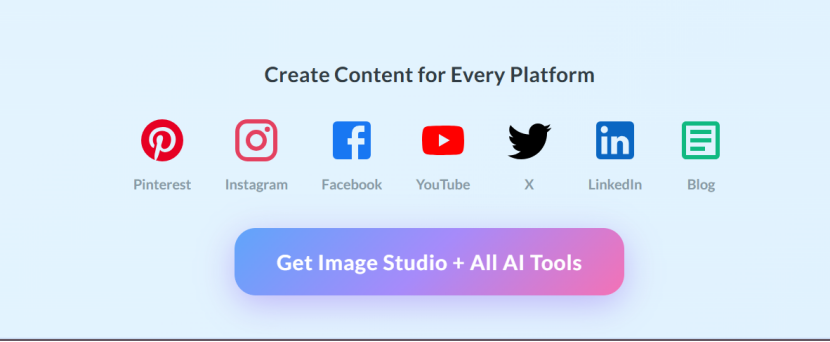
Pinterest and social media graphics for traffic growth
Lead magnet covers that increase opt-ins
Product mock-ups that build trust in reviews
Local business flyers and promotions
These visuals directly support higher engagement, longer page time, and better conversions — all important for SEO and affiliate earnings.
Important Things to Know Before You Start
Better Prompts = Better Images
Be specific with style, mood, and colour for best results.
Manage Your AI Credits
Experiment wisely if you plan bulk image creation.
Advanced Designers
If you’re a full-time designer, you may still prefer niche tools. For most online entrepreneurs, Image Studio is more than enough.
Advanced Tips to Maximize Affiliate Conversions
Create branded image sets for all your review posts
Test multiple featured images to improve SERP click-through
Match visuals to search intent (informational vs buyer keywords)
Reuse high-performing images across email and social campaigns
These strategies align perfectly with Wealthy Affiliate’s long-term, content-driven approach.
Frequently Asked Questions
Can beginners use Image Studio? Yes. No design or technical experience required.
Is Image Studio free? Yes. The free Starter account includes 2,000 AI credits.
Can I use the images commercially? Yes. You own all generated images.
Is Image Studio Worth It?
If you’re serious about building an online business, Image Studio removes one of the biggest obstacles to consistency and professionalism.
Instead of fighting with design tools, you can focus on:
Publishing content
Driving traffic
Earning affiliate commissions
Best Choice for Content Creators: If your main goal is fast, reliable, business-ready images that improve blog SEO, support social strategies, and reduce production time — Image Studio inside Wealthy Affiliate delivers the highest value, especially with the 2,000 free AI credits available on the Starter plan.
Start creating images that convert — free with Wealthy Affiliate.
Affiliate Disclosure
This article contains affiliate links. If you sign up through my link, I may earn a commission at no extra cost to you.
Author Bio
Nhlanhla Nene is a wellbeing coach, blogger, and online entrepreneur. Through Mindedjoy, he helps creators and professionals build sustainable online businesses using content, affiliate marketing, and simple AI-powered tools.